How to add lunar birthdays to Google Calendar
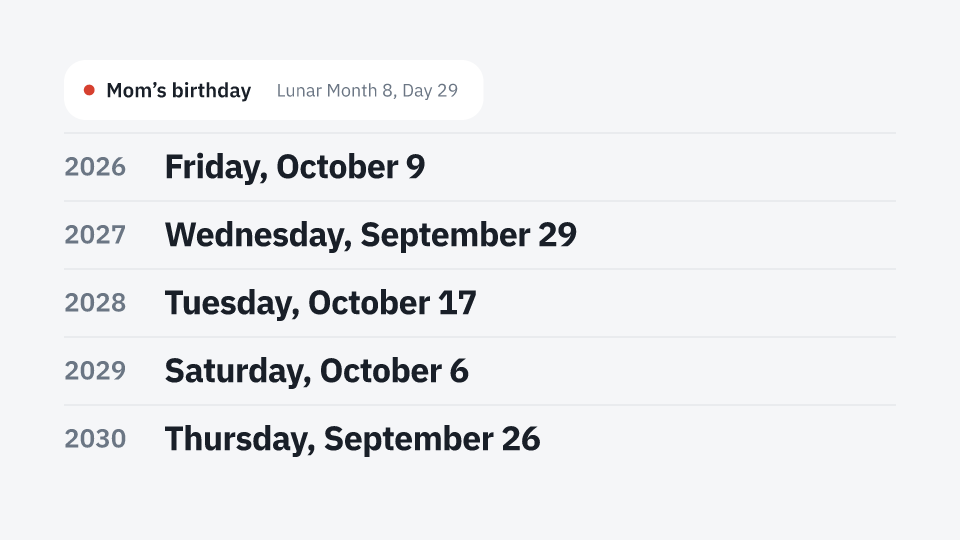
Google Calendar has no events that repeat by the lunar calendar, so a lunar birthday or memorial day has to be looked up and entered again every year. Lunar Calendar works out those dates for you and adds several years of them at once. There is nothing to install.
Add your days nowSteps
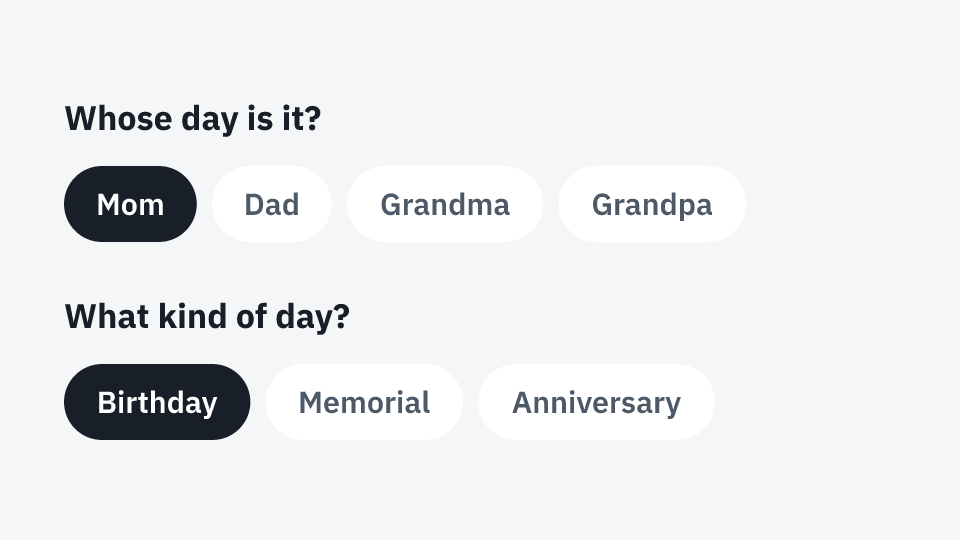
- Enter whose day it is and choose birthday, memorial or anniversary.
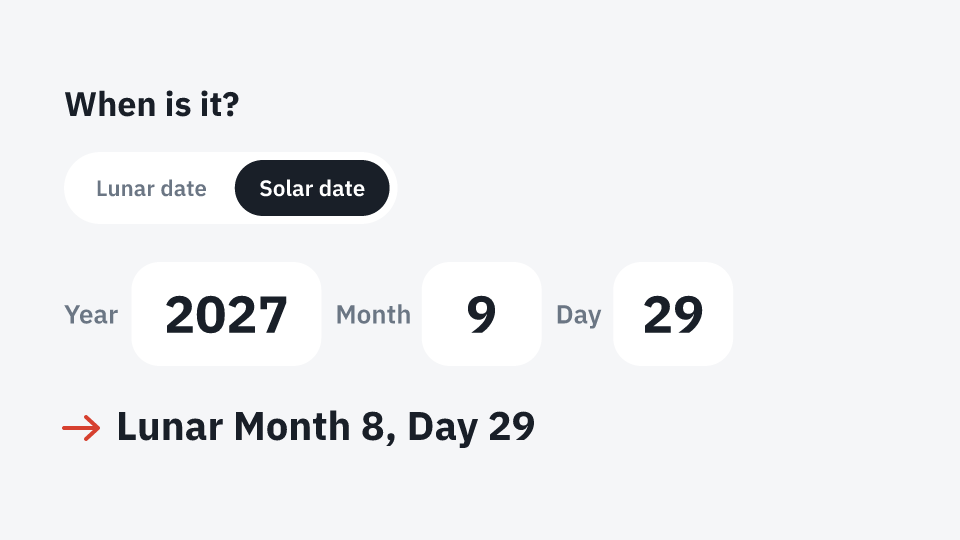
- Enter the lunar date. If you only know this year’s solar date, switch to “Solar date” and the lunar date is found for you.
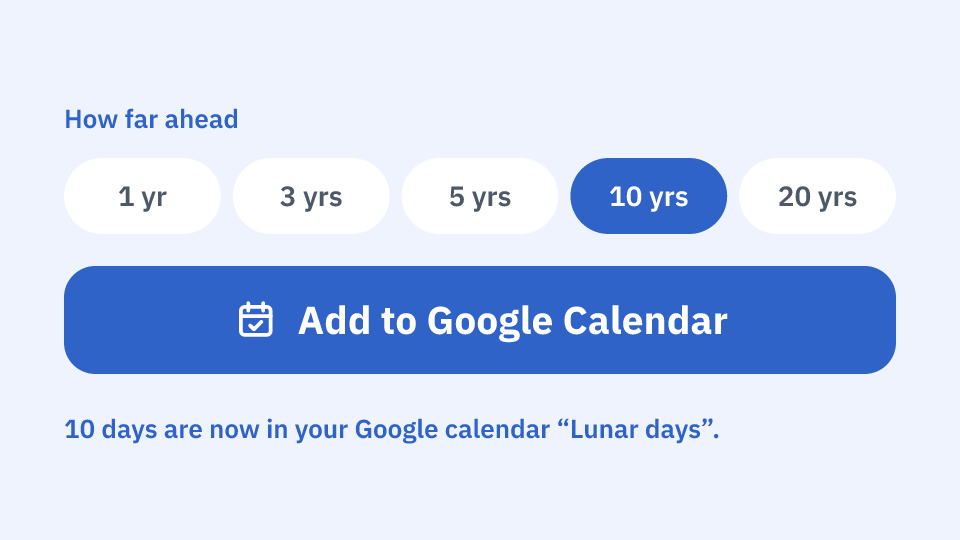
- Choose how far ahead to add (1, 3, 5, 10 or 20 years) and press “Add to Google Calendar”. After you sign in to Google, the events are added.
Good to know
- Only one calendar, “Lunar days”, is created in your Google account. Your other events are never read or changed.
- If you change a date or remove a person and add again, only what changed is updated, and removed days are removed from the calendar too.
- A leap-month date falls in the regular month in years without that leap month, and day 30 falls on the last day when the month has only 29 days.
- If you do not use Google Calendar, you can download a calendar file (.ics). Open it in Apple Calendar or Outlook to add the days.